
Your first idea
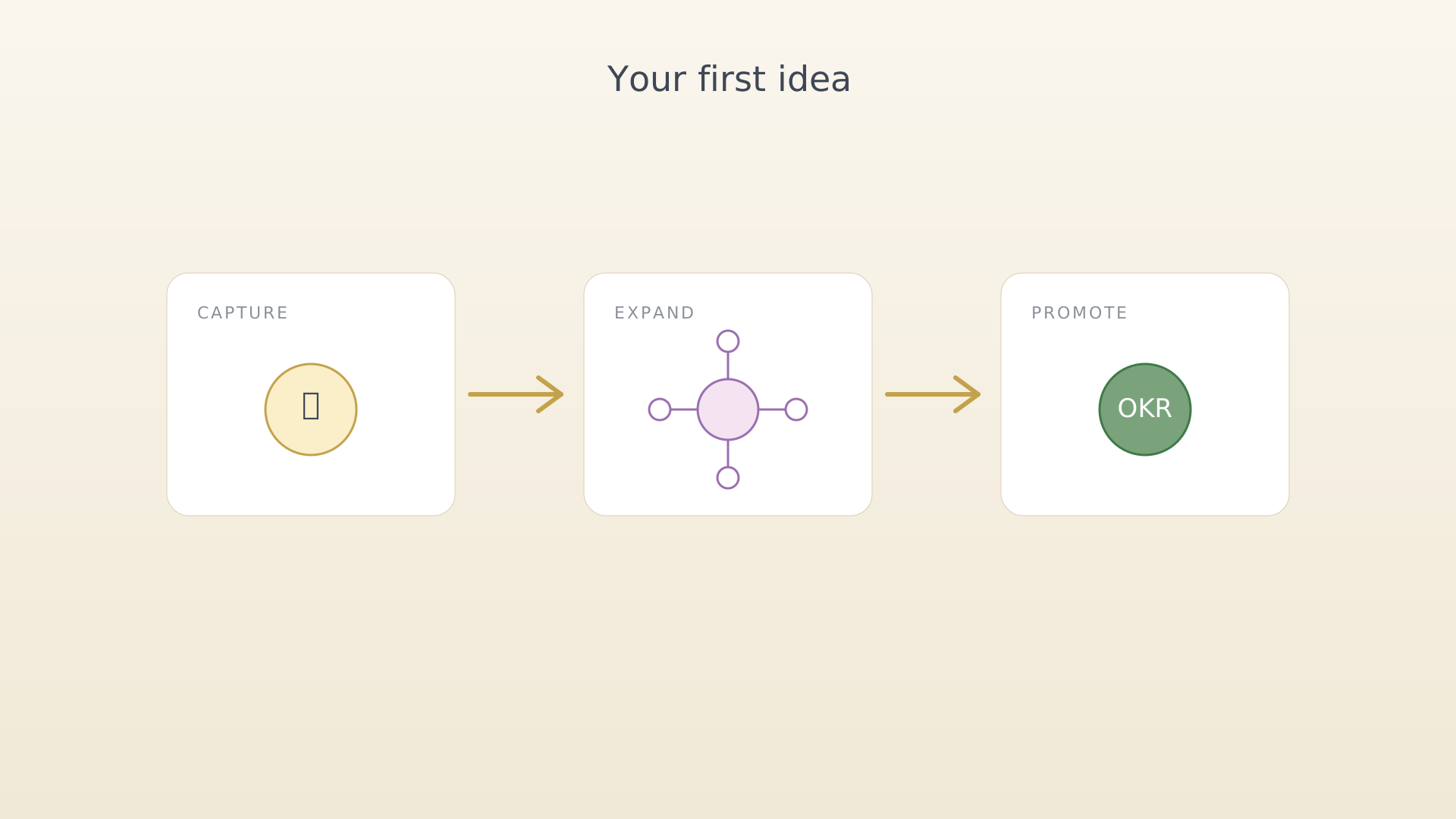
The Ideas section is for thoughts that aren't yet objectives. Anything that might be worth doing eventually, but isn't ready for the timeline. The loop is light by design — capture, expand, decide.
Step 1 — Capture
When an idea hits, tap the + in the bottom navigation, pick Idea, type the title, save. Don't worry about the description. The idea lands in Drafts on the Ideas screen.
➜ Detailed walkthrough: Capture an idea.
Step 2 — Expand on the Brainstorm screen
When you have a few minutes, open the Ideas screen, tap the idea, and choose View. The Brainstorm screen draws the idea at the centre with four expansion sections fanning out: Outcomes, Challenges, Questions, Related. Add a couple of items to each. Drag to reorder.
➜ Detailed walkthrough: Brainstorm and expand an idea.
Step 3 — Promote (when ready)
Most ideas don't graduate. The few that do convert into objectives via the five-step Idea-to-OKR wizard. Open the idea's context menu and tap Promote to OKR.
➜ Detailed walkthrough: Promote an idea to an OKR.
The point of Ideas isn't to keep a perfect inbox — it's to lower the cost of writing an idea down. The good ones eventually find their way into the quarter, the rest fade.
See also
Was this article helpful?

