
Your first objective
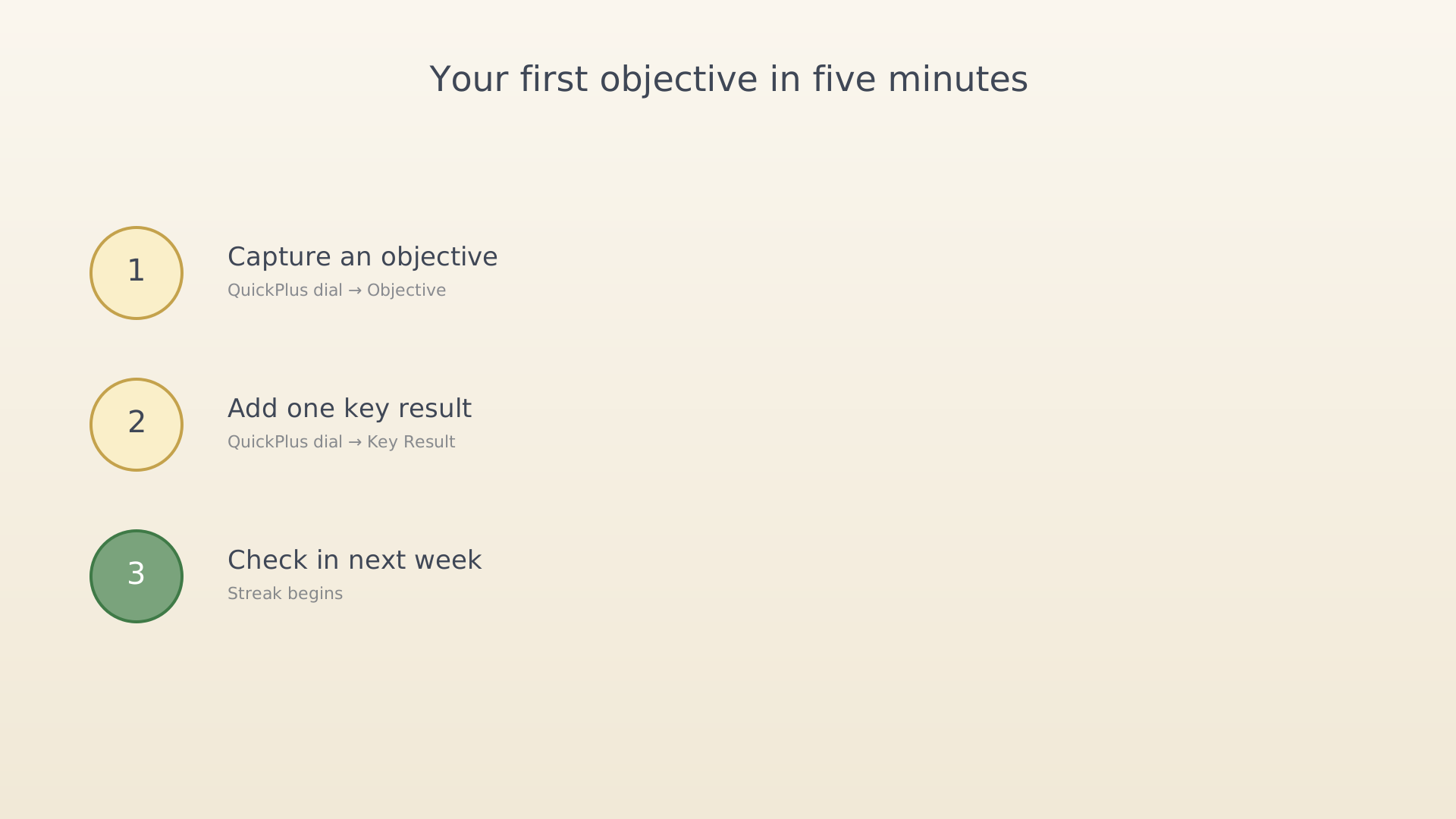
This is the smallest useful loop in IdealWeek: a single objective, a single key result, and a single check-in. Five minutes, no tools required beyond the app.
Step 1 — Capture an objective
Pick something you'd actually like to be true at the end of the quarter. "Build a habit of running twice a week", "Ship the side-project landing page", "Get to 80% in the new programming language". Don't optimise the wording yet — you'll edit it later.
Open IdealWeek and tap the + in the bottom navigation. Pick Objective. Type a short title, optionally a description. Save.
➜ Detailed walkthrough: Create an objective.
Step 2 — Add one key result
The objective is the what; the key result is the measurable signal that it's true. Aim at something you can actually count weekly: number of runs, visitors to the landing page, words spoken in the language. One is enough for the first pass.
Tap + again, pick Key Result, link it to the objective you just created.
➜ Detailed walkthrough: Create a key result.
Step 3 — Check in next week
When seven days have passed, the home screen will surface a check-in prompt. Open it, log progress on your one key result, and write a sentence on the objective. The streak begins.
➜ Detailed walkthrough: Check in on objective progress.
That's the whole loop. Add more objectives, more key results, more activities — but only after this loop has run a few times. The point is the discipline of measuring, not the bookkeeping.
See also
Was this article helpful?

