
Settings
Change your language
Updated May 20261 min read
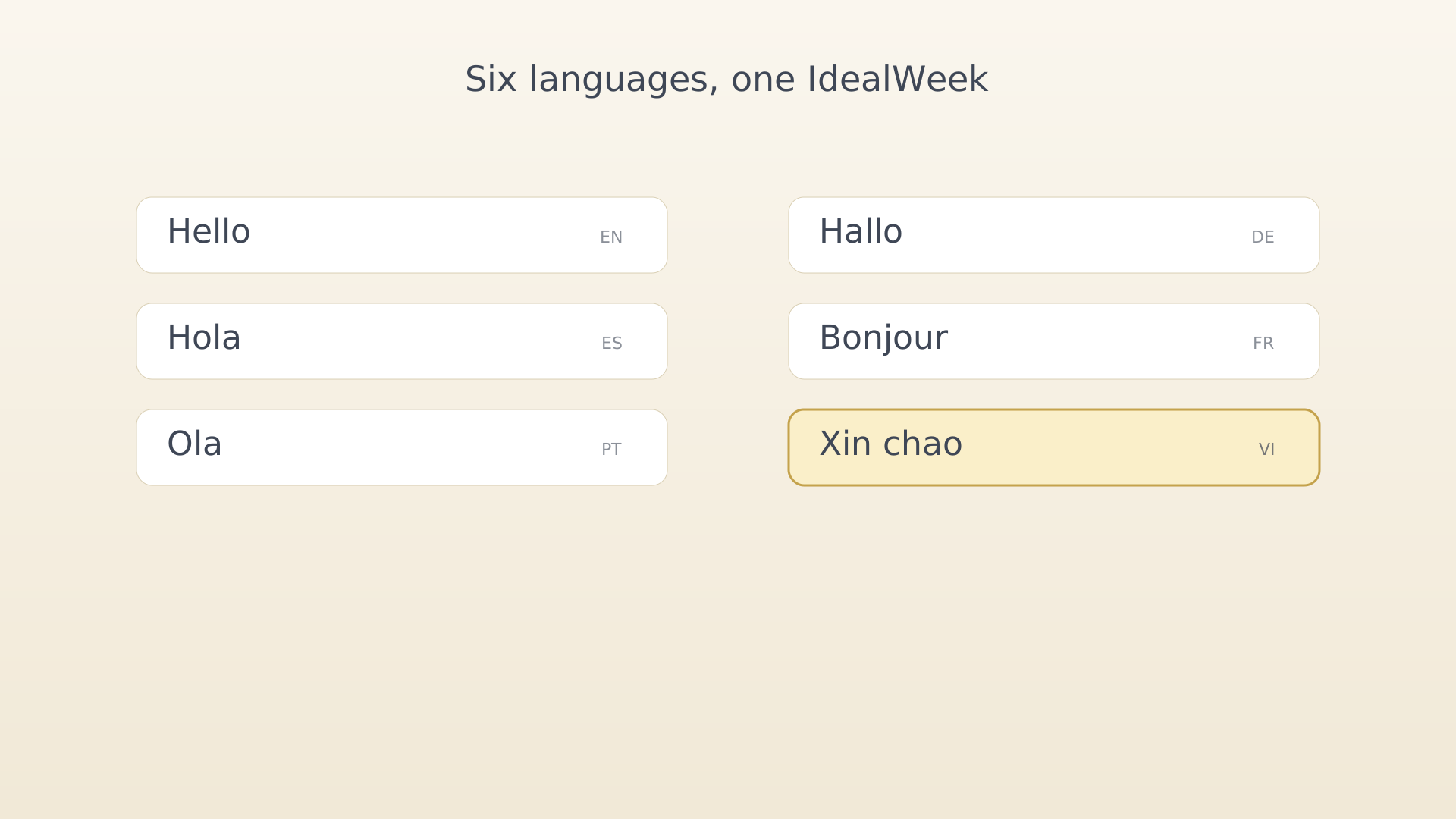
The IdealWeek interface is fully localized into six languages. Switching language updates labels, dates, motivation content, and notifications.
From settings
- Open Settings (sidebar → Settings).
- Tap Language under the General section.
Language row in settings - Pick a language from the bottom sheet. The app re-renders the
moment you tap.
Language picker bottom sheet
Tips
- User-entered content (objective titles, ideas, memos) stays in the language you wrote it in. Only the IdealWeek-supplied labels change.
- Voice input picks up the system language by default — change it on the device for non-English dictation.
See also
Was this article helpful?
Related articles
Change your themeSwitch the IdealWeek theme between seven curated colour pairings. Open Settings → Theme to preview each one and pick the variant that matches your light or dark mood.Enable focus mode on activity startOpen IdealWeek directly into the Focus screen when you tap Start on an activity notification. Toggle Start Activity with Focus Mode in Settings → Notifications.Find privacy and legal infoOpen the Privacy Policy, Terms of Service, and FAQs from inside IdealWeek. The General section of Settings opens each one in your default browser.

