
Settings
Find privacy and legal info
Updated May 20261 min read
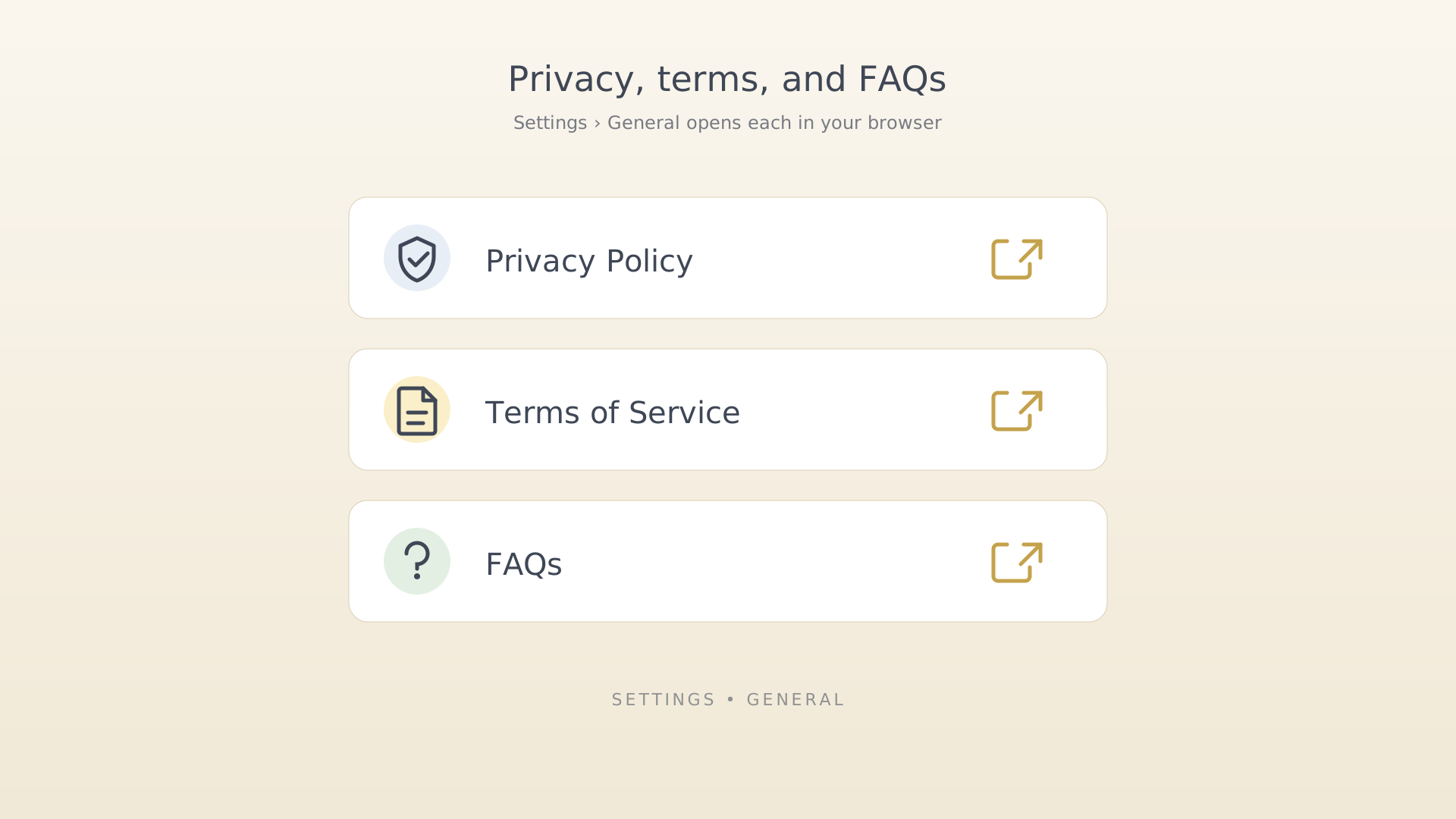
The legal documents and the public FAQ live on the IdealWeek website. The Settings screen has direct links so you don't have to search.
From settings
- Open Settings (sidebar → Settings).
- Scroll to the General section.
- Tap one of: Privacy Policy, Terms of Service, FAQs.
Settings rows for legal links - The link opens in your default browser. Close the browser to return to IdealWeek.
Tips
- The pricing page is also linked from these rows on first launch — the paywall has its own Upgrade row in Settings when you're not on premium.
See also
Was this article helpful?
Related articles
Change your languageSwitch IdealWeek between English, Deutsch, Espanol, Francais, Portugues, and Tieng Viet. Pick a language from Settings → Language and the entire app re-renders instantly.Change your themeSwitch the IdealWeek theme between seven curated colour pairings. Open Settings → Theme to preview each one and pick the variant that matches your light or dark mood.Enable focus mode on activity startOpen IdealWeek directly into the Focus screen when you tap Start on an activity notification. Toggle Start Activity with Focus Mode in Settings → Notifications.

