
Notifications
Configure snooze duration
Updated May 20261 min read
Snooze defers a notification by a fixed amount. The same value applies to every notification — activity reminders, check-in reminders, and any other nudge with a Snooze action.
From settings
- Open Settings (sidebar → Settings).
- Scroll to the Notifications section.
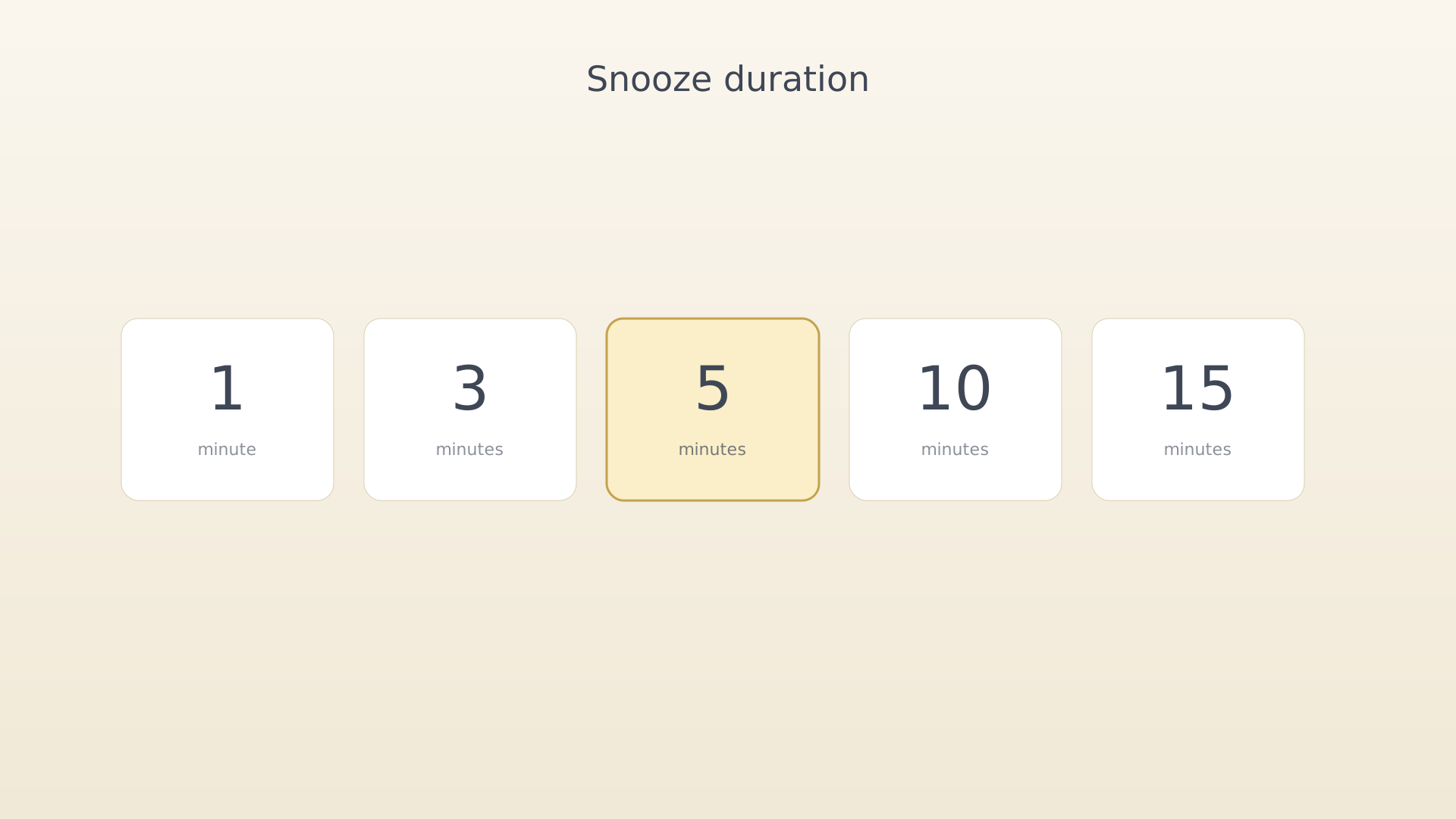
- Tap Snooze Time. A picker offers 1, 3, 5, 10, and 15 minutes.
Snooze Time picker - Pick a value. It saves immediately.
Tips
- A short snooze (1–3 min) keeps you honest. A long snooze (10–15 min) is useful when you genuinely need to finish what you're on first.
See also
Was this article helpful?
Related articles
Schedule activity remindersTurn on activity reminders in IdealWeek so each scheduled activity surfaces a notification a few minutes before it starts. Toggle Scheduled Activity Notification in Settings → Notifications.Set a check-in reminderSchedule a daily reminder that prompts you to check in on objective progress in IdealWeek. Toggle Check-in Reminder in Settings → Notifications and pick a time that fits your routine.Set daily quote timeReceive a daily motivational quote at the time of your choice in IdealWeek. Toggle Daily Motivation Quotes in Settings → Notifications and pick the hour the quote should arrive.

