
Motivation & wellbeing
Read a motivation article
Updated May 20261 min read
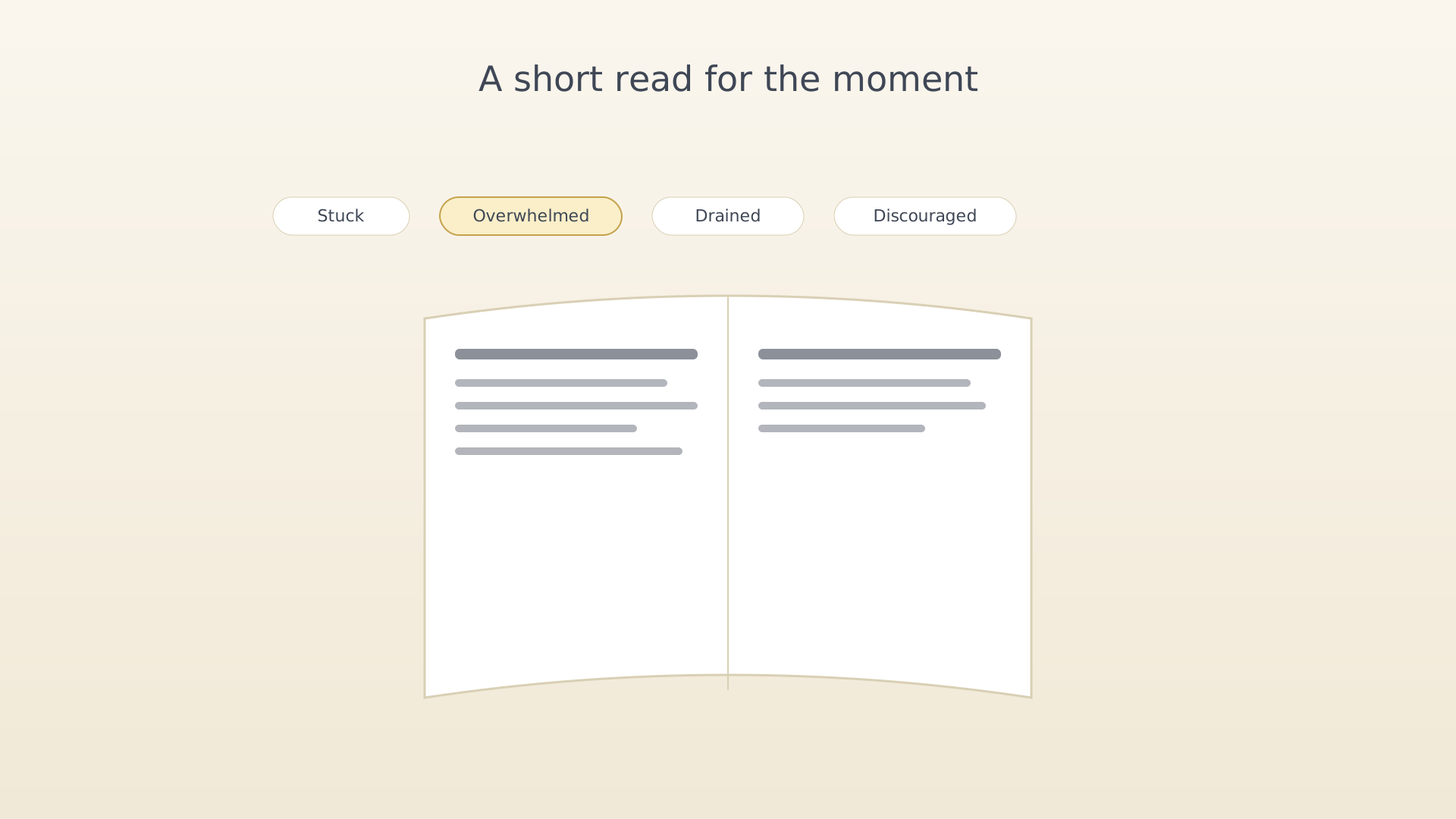
The Article tool surfaces short, curated essays matched to your current emotional state. Each article is a self-contained read — three to five minutes — with no ads and no sign-in.
From the Motivation screen
- Open the Motivation screen (sidebar → Motivation).
- Tap the Article tile.
Article tile on the Motivation screen - Pick a feeling from the picker — Stuck, Overwhelmed, Drained,
Discouraged, or another current state.
Feeling picker - Read. Use the bottom controls to mark the article as read or skip
to a different one in the same state.
Article reading view
Tips
- Articles are bundled with the app — they work offline.
- The Role Model tool surfaces matching role-model passages alongside the article when one fits the chosen feeling.
See also
Was this article helpful?
Related articles
Capture a memoWrite a private memo or reflection in IdealWeek. The Memos tool on the Motivation screen keeps a chronological log of small notes you wouldn't want as ideas or objectives.Start a pomodoro sessionRun a 25-minute pomodoro on today's activity in IdealWeek. Launch from the Motivation screen Pomodoro tile and choose how long the focus block runs in Settings.Use the breathing toolCalm your nervous system with the IdealWeek breathing tool. Open it from the Motivation screen, choose a pattern (box, 4-7-8, or coherent), and follow the visual cue for one to ten minutes.

