
Account & Premium
Replay an in-app tutorial
Updated May 20261 min read
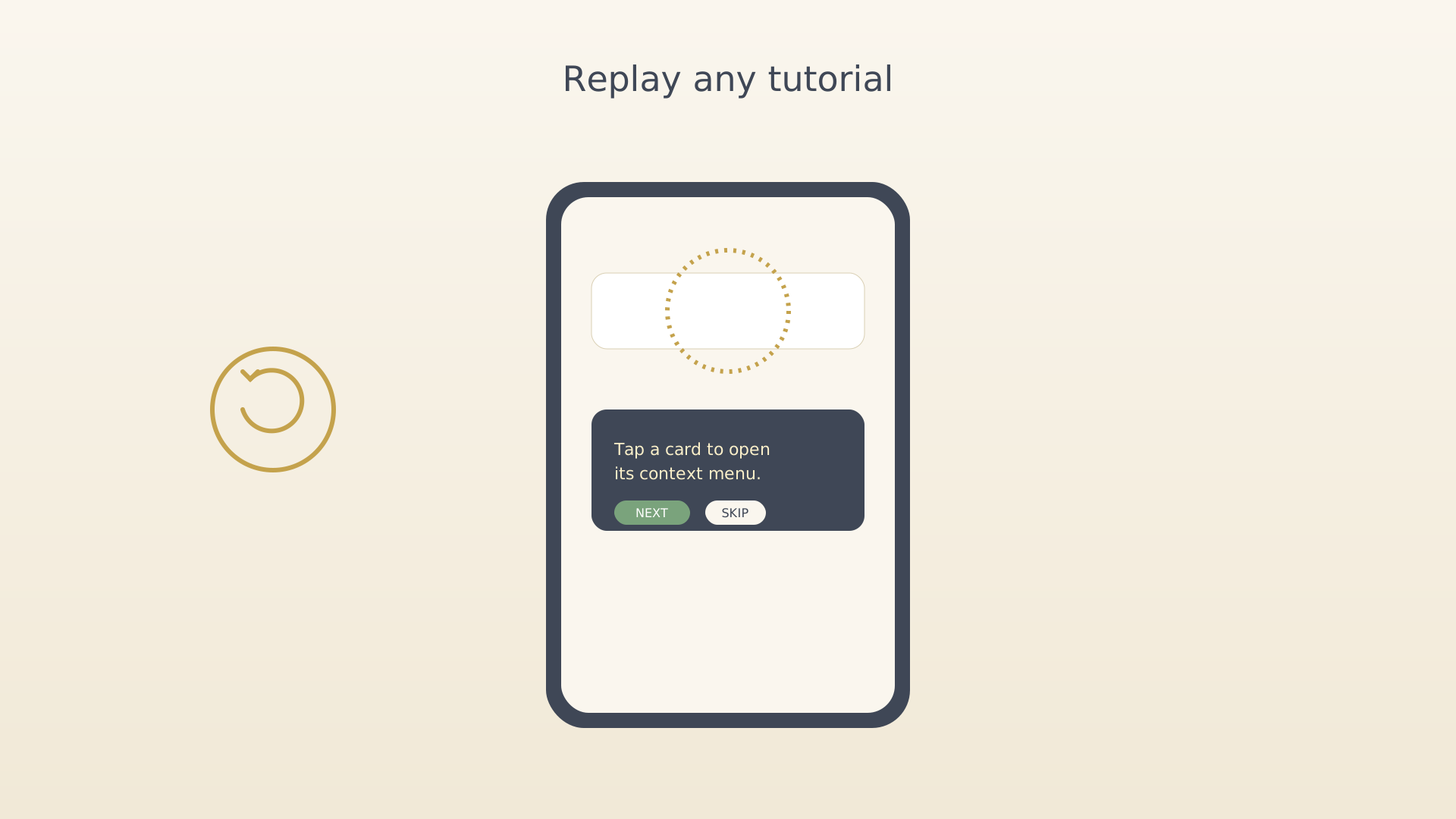
Each main screen has its own short tutorial — focused overlays that point out the most important controls. After you skip or finish a tutorial, the sidebar offers a replay button so you can run it again any time.
From the sidebar
- Open the screen whose tutorial you want to replay (Home, Vision, Ideas, etc.).
- Open the sidebar by tapping the menu icon in the top-right.
- Tap the replay button at the bottom of the sidebar.
Sidebar with the replay button - The tutorial overlay appears and walks through each highlighted
control again.
Tutorial overlay running
Tips
- The replay button only shows when the current screen has tutorial steps left or skipped — screens you've fully completed without skipping hide the button.
- The tutorial system reads your real data, so the steps stay relevant even months after onboarding.
See also
Was this article helpful?
Related articles
Subscribe to premiumUpgrade to IdealWeek premium for cloud sync, web access, and advanced AI assistance. Open the paywall card or tap Upgrade in Settings, then complete the purchase through your app store.Sign in to the web app with QRPair the IdealWeek web app with your phone in two taps. Open the web sign-in QR, scan it with the mobile app's QR scanner, and confirm the pairing code that appears on both screens.

