
Insights & export
Export an ideas mindmap
Updated May 20261 min read
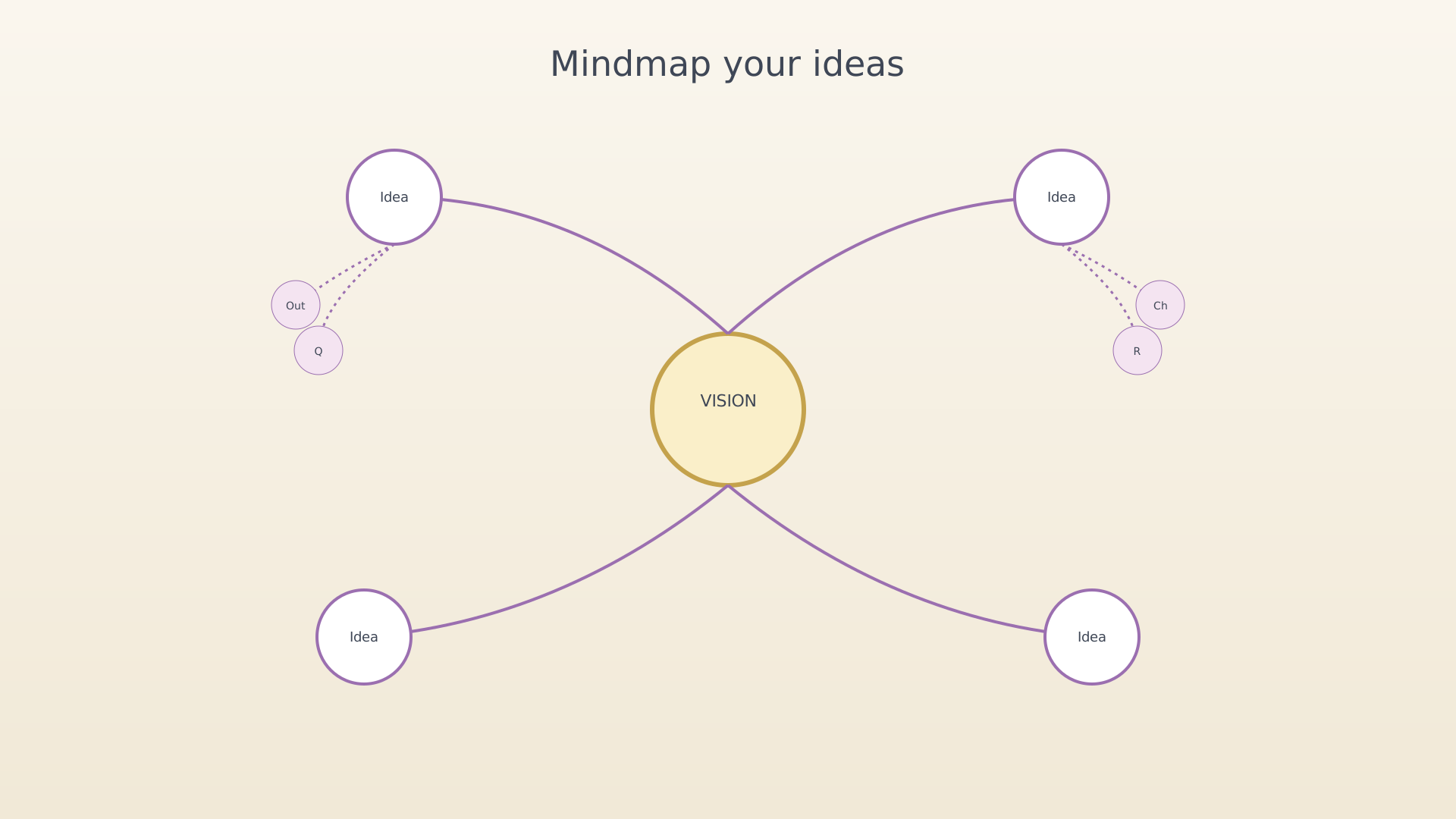
The ideas mindmap export draws Vision → Ideas → Expansions and saves it as a PNG. Use it for retrospectives, sharing with collaborators, or for a visual snapshot of where your thinking is.
From settings
- Open Settings → Export Ideas.
Export Ideas row in settings - Pick a scope — pinned ideas only, or all ideas.
- Pick a line style — straight or radial.
Scope and line style options - Tap Generate. Use the breadcrumb at the top to drill into a single idea before exporting if you want a smaller diagram.
- Tap Share or Save.
Generated mindmap preview
Tips
- Toggling the line style mid-preview re-renders without leaving the screen.
- An idea that has no expansions still appears as a single node — handy for a clean topical map.
See also
Was this article helpful?
Related articles
Explore the insights dashboardRead the IdealWeek insights dashboard to see how your objectives, key results, and time investments are trending. Open the dashboard tab in the bottom navigation and switch between General, Progress, and Time tabs.Export an OKR mindmapGenerate a shareable mindmap of your IdealWeek OKR tree as a PNG. Open Settings → Export OKRs, pick a scope and line style, then save or share the rendered image.

