
Insights & export
Export an OKR mindmap
Updated May 20261 min read
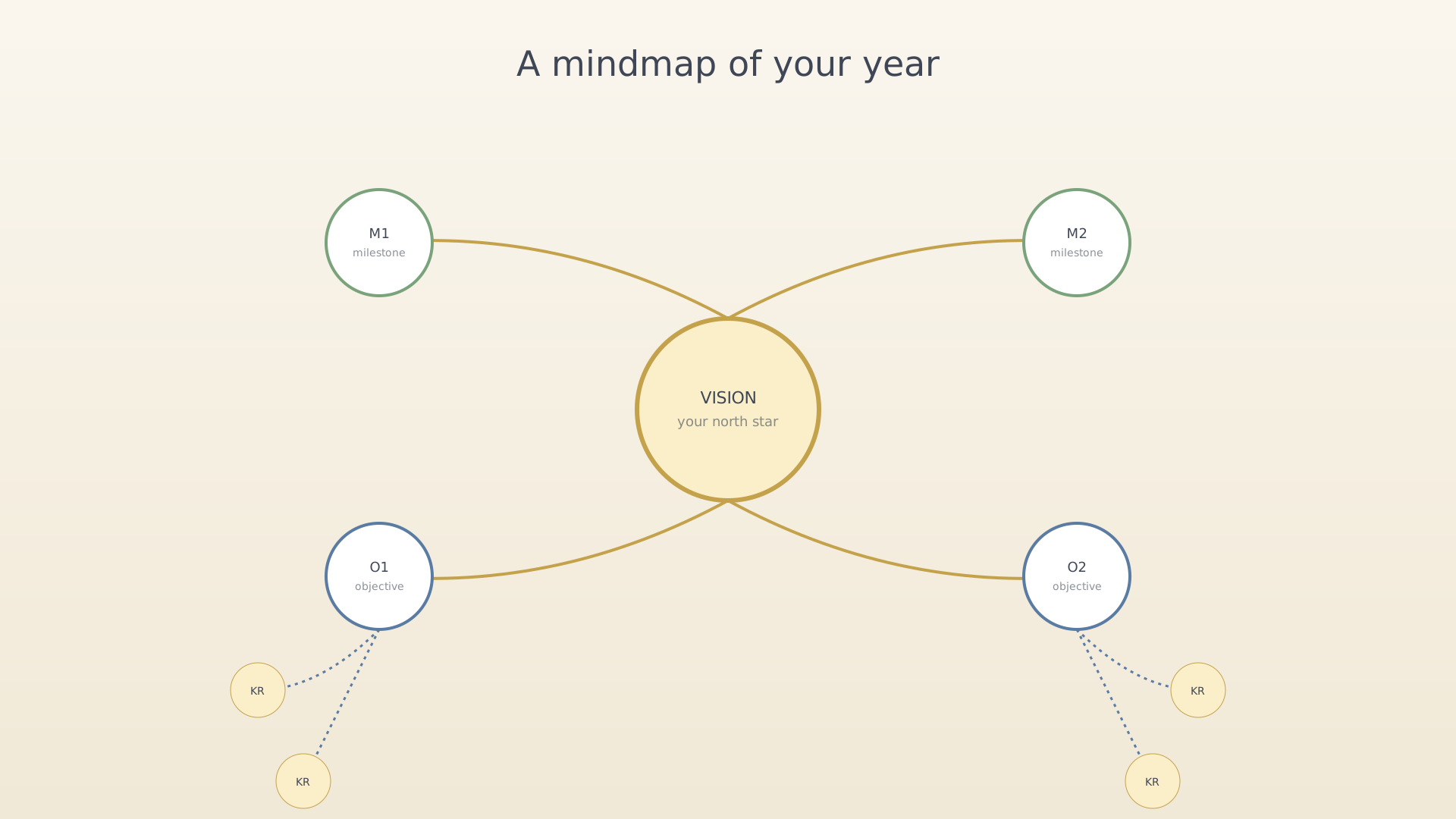
The OKR mindmap export draws Vision → Milestones → Objectives → Key Results as a single labelled diagram and saves it as a PNG. Use it for retros, team updates, or year-end reviews.
From settings
- Open Settings → Export OKRs.
Export OKRs row in settings - Pick a scope — All, Active only, or a single milestone.
- Pick a line style — straight, curved, or radial.
Scope and line style options - Tap Generate. A preview renders in seconds.
- Tap Share to send the PNG via the system share sheet, or Save
to write it to your photos.
Generated mindmap preview
Tips
- Long key-result titles wrap automatically. If a node is too long, the export shrinks to fit.
- The output is purely the OKR tree — no progress bars, no time data. Use insights for those.
See also
Was this article helpful?
Related articles
Explore the insights dashboardRead the IdealWeek insights dashboard to see how your objectives, key results, and time investments are trending. Open the dashboard tab in the bottom navigation and switch between General, Progress, and Time tabs.Export an ideas mindmapRender your IdealWeek ideas as a shareable mindmap PNG. Open Settings → Export Ideas to choose pinned-only or full scope, pick a line style, and save the result.

