
Your first vision
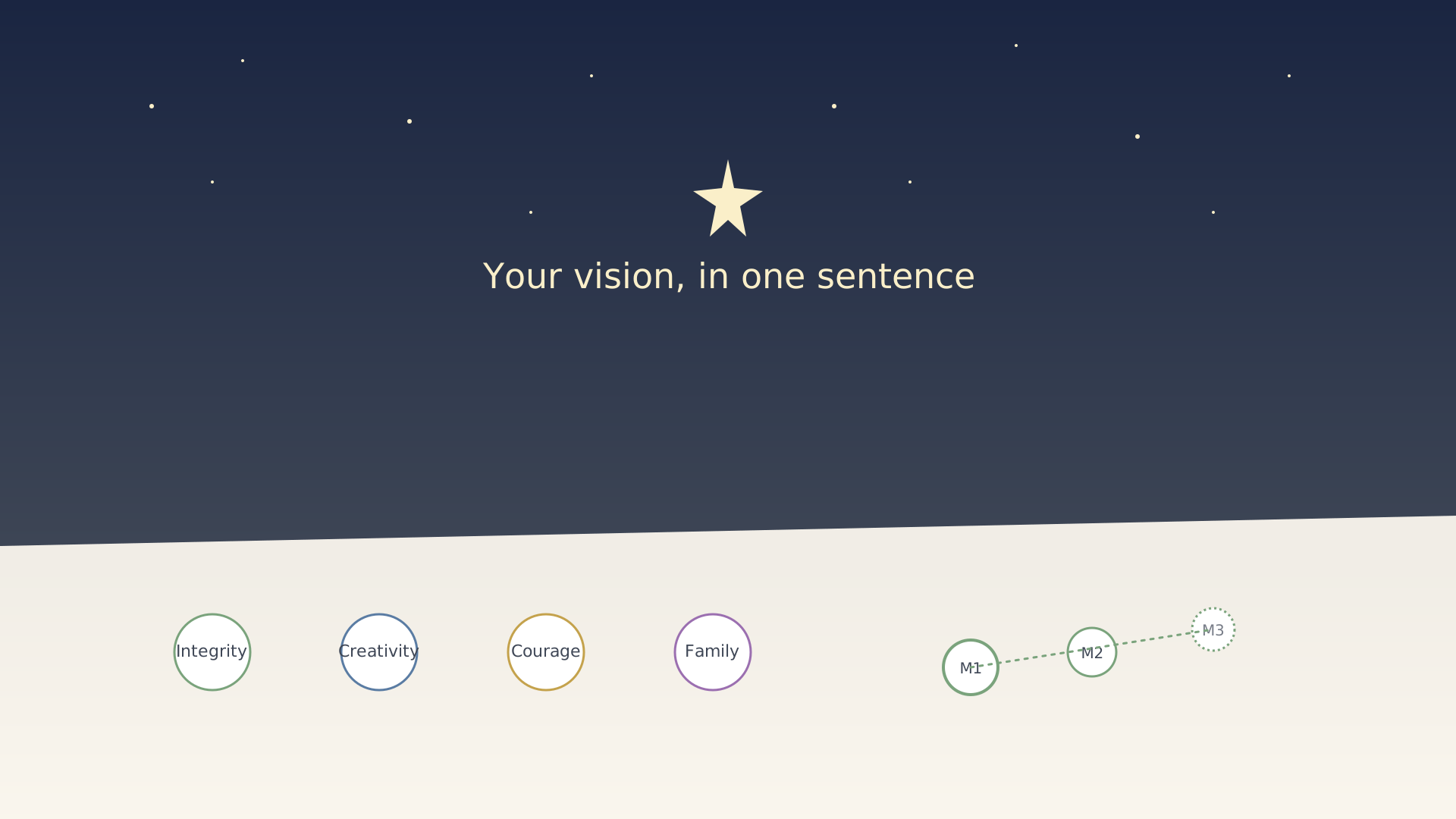
A vision is the steady star above your quarters. It doesn't need to be profound, and it shouldn't be a five-paragraph essay. One or two sentences that you'd be embarrassed to forget is plenty.
Step 1 — Write the statement
Open the Vision screen from the home screen's vision circle (top-right corner) or from the sidebar. Type one sentence: what kind of life are you trying to build? Save.
➜ Detailed walkthrough: Set your vision.
Step 2 — Pick four core values
Scroll to the Core values section and add up to four values. Choose words you'd want a friend to use to describe you in five years. Integrity, Creativity, Courage, Family is fine. Generosity, Discipline, Growth, Connection is fine. The labels are yours.
➜ Detailed walkthrough: Edit your core values.
Step 3 — Sketch a milestone or two
Milestones are multi-quarter checkpoints between today and the vision. Add one or two. They get vague after that — the closer ones tend to be more specific.
➜ Detailed walkthrough: Create a milestone.
You can revise any of this whenever you want. The vision isn't carved in stone — it's just a reference point you keep coming back to.
See also
Was this article helpful?

