
Getting started
Using the QuickPlus dial
Updated May 20261 min read
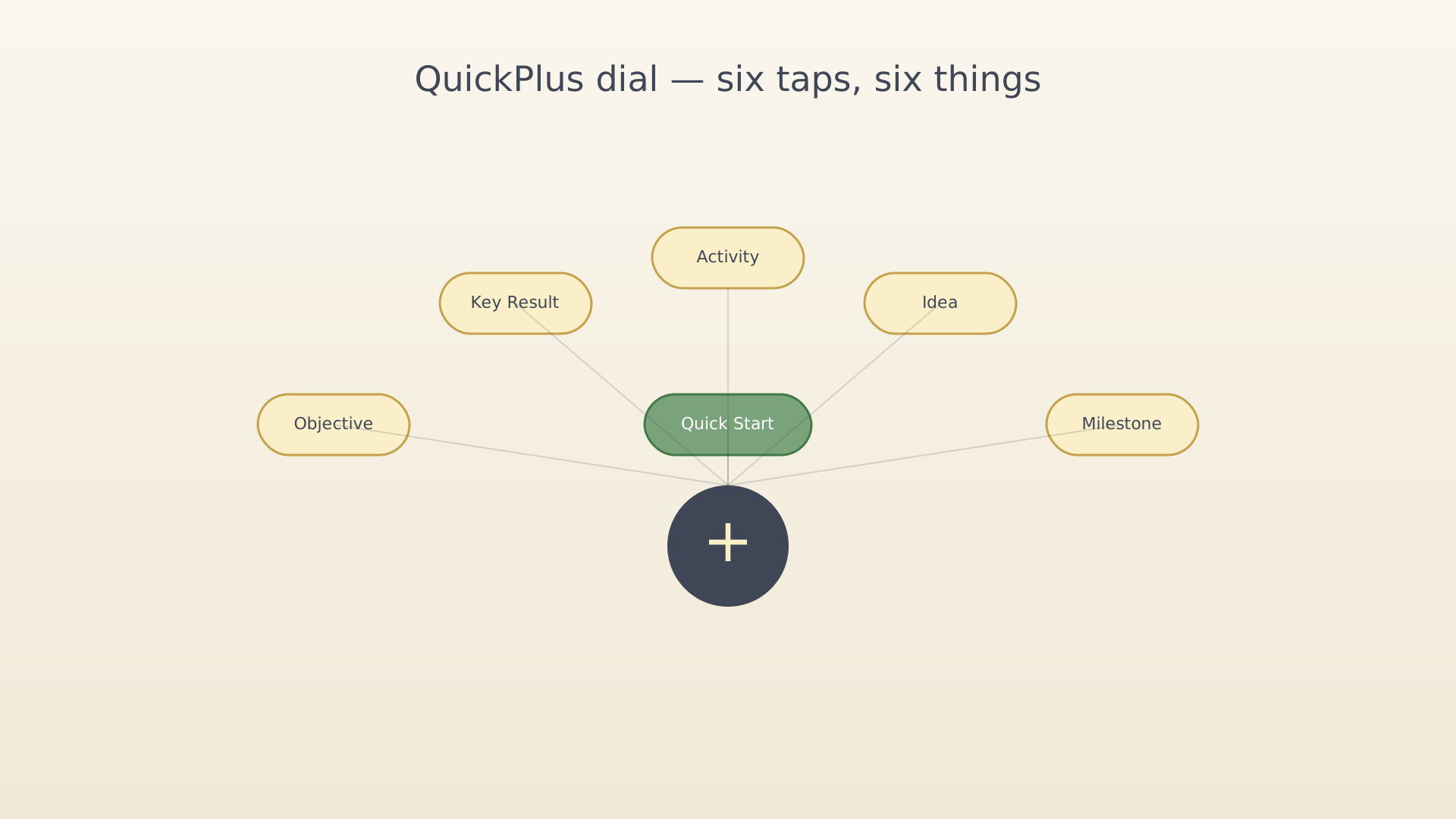
The QuickPlus dial is the fastest way to create anything in IdealWeek. Tap the + in the centre of the bottom navigation; six pills fan out above it.
What's on the dial
| Pill | Opens |
|---|---|
| Objective | The objective editor — see Create an objective |
| Key Result | The KR editor with parent picker — see Create a key result |
| Activity | The activity editor — see Schedule an activity |
| Idea | The idea editor — see Capture an idea |
| Milestone | The milestone editor — see Create a milestone |
| Quick Start | A picker of today's activities, then straight into Focus — see Start a focus session |
Every pill opens the same editor regardless of which screen you launched from — the dial is consistent.
Tips
- Tapping the centre + again (or anywhere outside the dial) closes it.
- The dial is reachable from every screen with a bottom navigation bar. Modal screens (editors, dialogs) hide it.
See also
Was this article helpful?
Related articles
Welcome to IdealWeekA short tour of IdealWeek for first-time users. Learn how vision, milestones, objectives, key results, and the timeline fit together — and where to start.Your first visionA short guide to writing your first IdealWeek vision statement, picking core values, and adding a milestone or two — without overthinking it.Your first objectiveA 5-minute walkthrough that takes you from a blank IdealWeek to your first objective, your first key result, and your first weekly check-in.

