
Welcome to IdealWeek
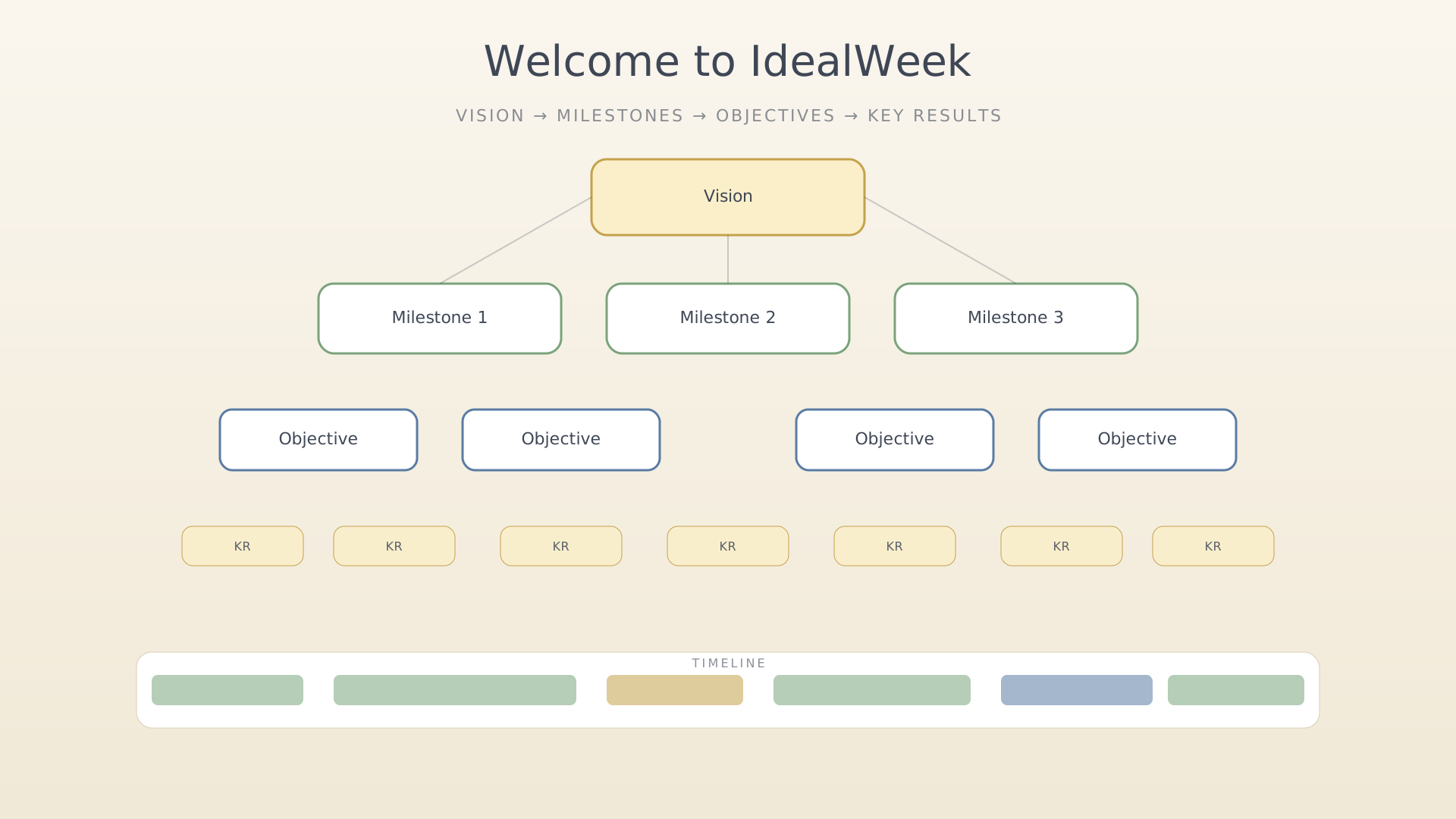
IdealWeek is built around a single picture: a vision at the top, a few milestones along the way, objectives for the current quarter, and key results that measure them. The timeline is where you spend the hours that move the key results forward.
If you read nothing else, this is the picture:
- Vision — a sentence or two about the kind of life you're aiming at.
- Milestones — multi-quarter checkpoints between today and that vision.
- Objectives — quarterly outcomes pointed at the milestones.
- Key results — the measurable signals that an objective is moving.
- Timeline + activities — where you actually spend the time.
Each piece is a screen, and every screen has a tutorial overlay you can replay any time — see Replay an in-app tutorial.
Where to start
If you're brand new, the fastest way to get a feel for the loop is:
- Set your vision — one sentence is enough.
- Create an objective — anchored to the vision.
- Create a key result — what would make the objective real?
- Schedule an activity — block out time on the timeline to actually do it.
- Start a focus session — when the activity's time arrives, press start.
Don't sweat getting it perfect. The fastest user is the one who edits as they go — see the per-task articles in this guide.
Premium
A few features (cloud sync, web access, advanced AI assistance) require premium. Everything covered in this guide works on the free tier unless noted. See Subscribe to premium when ready.
See also
Was this article helpful?

