
Your first week
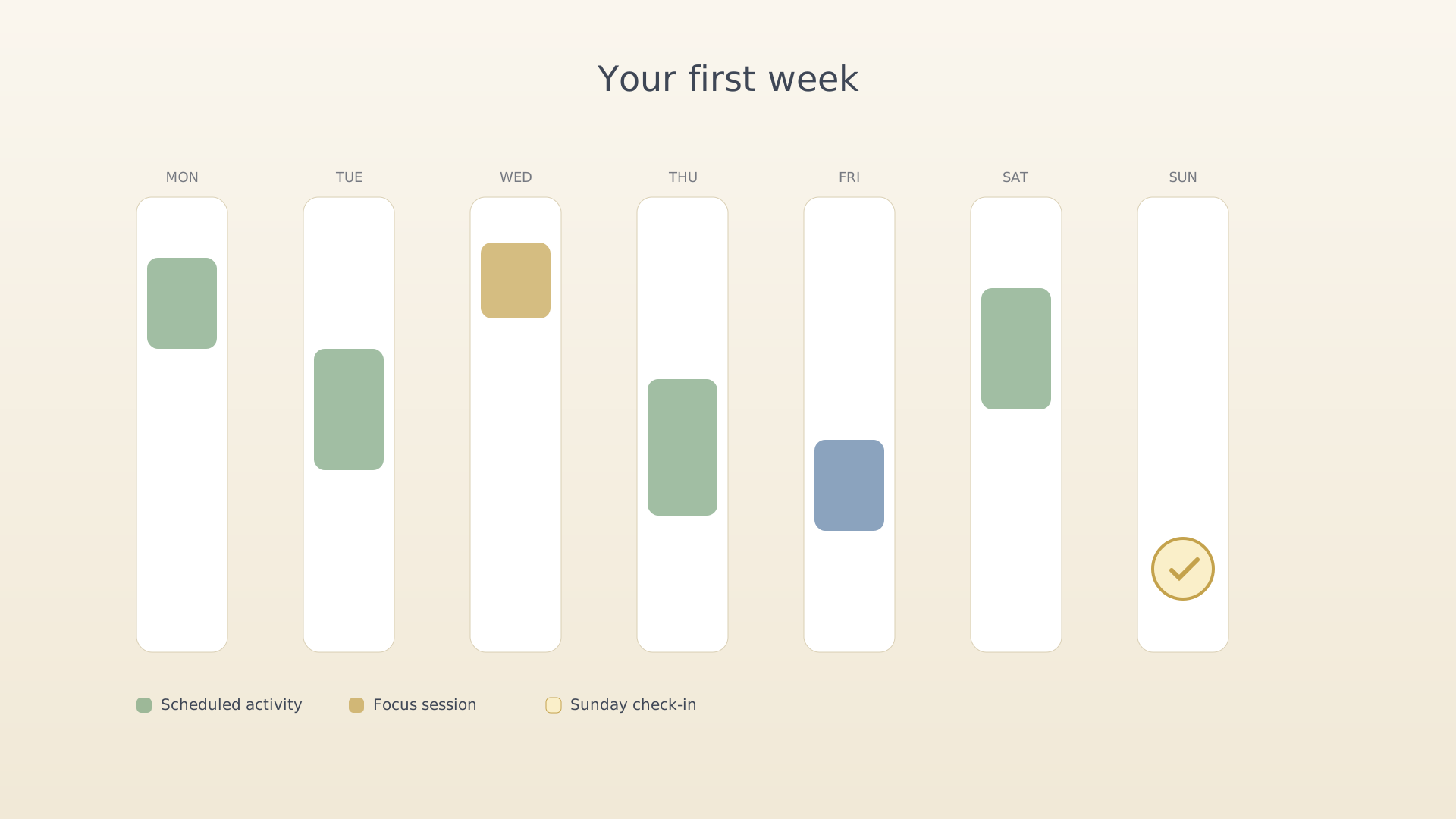
You've created an objective and a key result — see Your first objective. This guide takes you through the first practical week of using IdealWeek.
Step 1 — Schedule a few activities
Activities are the actual hours you'll spend on your objectives. Open the Timeline tab and tap an empty slot, or use the QuickPlus dial. Three or four for the week is plenty — don't fill every hour.
➜ Detailed walkthrough: Schedule an activity.
Step 2 — Start a focus session when an activity arrives
When the activity's time comes, IdealWeek nudges you with a notification. Tap Start to launch a tracked focus session. The Focus screen handles the rest.
➜ Detailed walkthroughs: Start a focus session, Start a pomodoro session.
Step 3 — Check in on Sunday
End of week, the home screen prompts you to reflect. Open it and write the shortest possible note for each objective: what moved, what didn't, what's next.
➜ Detailed walkthrough: Check in on objective progress.
After a few weeks, you'll start to see a streak on the home screen and a progress curve in Insights. The discipline of doing this loop matters more than any single week's output.
See also
Was this article helpful?

