
Best Apps for Deep Work and Focus in 2026: Distraction Blockers, Flow State Tools, and More

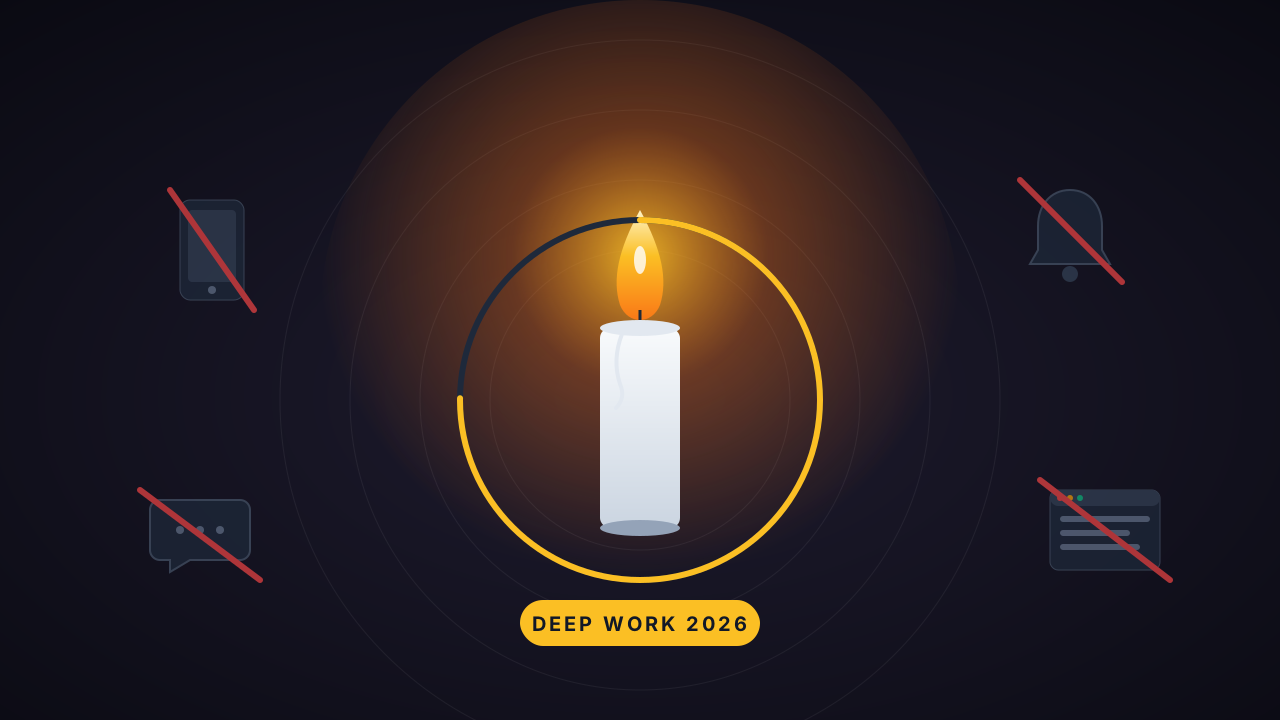
Best Apps for Deep Work and Focus in 2026
You don't have a focus problem. You have an environment problem.
Think about the last time you sat down to do important work. Within five minutes, a notification pulled you away. You "quickly" checked it. Then you checked something else. Then Instagram. Then 23 minutes later — according to Gloria Mark's research at UC Irvine — you finally got back to what you were doing.
Multiply that by every day of your working life and you start to understand why most people accomplish a fraction of what they're capable of.
The best focus apps don't just shout "stop scrolling." They quietly reshape your environment, reduce your decision load, and make focused work the path of least resistance. Some block distractions. Some track where your time actually goes. Some help you ride your natural energy waves. And the best ones connect your focus sessions to the goals that matter.
Here's what works in 2026.
What Actually Makes a Focus App Work
Before the list — most focus apps fail for the same reason. They treat focus like willpower: just try harder. Block more. Shame yourself into productivity.
That doesn't work. Here's what does:
Minimal decision fatigue. The fewer choices you face when starting a focus session, the more likely you are to start. The best apps show you one thing at a time.
Context awareness. Your focus capacity at 9am is different from 3pm. Apps that adapt to your energy, mood, or task type outperform static timers every time.
Gentle accountability. You need something that reminds you what matters without making you feel like garbage. Guilt doesn't produce focus — it produces avoidance.
Distraction blocking that actually blocks. A timer counting down while you have full access to Twitter isn't a focus tool. It's a countdown to distraction. Real distraction blocker apps cut off the temptation entirely.
Best Focus Mode Apps and Deep Work Tools in 2026
IdealWeek — Best for Connecting Focus Sessions to Real Goals
Here's the problem with most focus apps: they help you focus on... what exactly? You start a 25-minute timer, do some work, and then what? There's no connection between your focus time and whether your life is actually moving forward.
IdealWeek solves this by making every focus session count toward something measurable. The burning candle focus mode isn't just a Pomodoro timer — it's a full-screen distraction blocker that ties directly to your OKRs and weekly execution plan.
What makes it different:
- Burning candle focus mode — Full-screen distraction blocker with countdown. The flame literally shrinks if you pick up your phone during a session. It's visual accountability you can't ignore.
- Multiple durations — Pomodoro (25+5), 15-minute sprints, 50-minute deep work blocks, or custom durations. Match the timer to the task.
- Auto-trigger focus — Start an OKR activity and focus mode can launch automatically. Zero friction.
- Time allocation insights — 7-day dashboard shows exactly how much time went to OKR activities vs. ad-hoc vs. routine. You see where focus is going — and where it's leaking.
- Behind-the-plan alerts — If your actual progress falls behind where it should be based on time elapsed, you get a nudge. Not guilt. Just data.
The key difference: IdealWeek doesn't just help you focus for 25 minutes. It helps you focus on the right things — the key results that actually move your objectives forward.
Best for: People who want focus sessions connected to measurable goals, not just isolated sprints.
Available on: iOS, Android, Web
Forest — Best Distraction Blocker App for Phone Addicts
Forest turns distraction blocking into a game. Start a focus session and a virtual tree begins growing. Stay focused? The tree lives. Pick up your phone? It dies. Over time you build a whole forest of completed sessions — and they even partner with a charity that plants real trees.
Sounds gimmicky. Works surprisingly well because it adds emotional stakes to something that's usually just a countdown. Killing your tree feels like breaking a promise to yourself.
What stands out:
- Visual tree-growing timer that makes leaving your phone feel costly
- Built-in Pomodoro mode
- Real-world tree planting partnership
- Phone distraction blocking during active sessions
- Social features — grow trees with friends for group accountability
Best for: People who reach for their phone during focused work and need a visual consequence to break the habit.
Limitation: Phone-focused only. Doesn't block desktop distractions or connect focus time to any goal system.
RescueTime — Best for Understanding Where Your Focus Actually Goes
You think you know how you spend your time. You're wrong.
RescueTime runs quietly in the background tracking every app, every website, every context switch — then shows you the truth. Most people discover they're productive for about 2.5 hours in an 8-hour workday. The rest? Meetings, email, and what RescueTime diplomatically calls "very distracting" time.
What stands out:
- Automatic tracking — no manual input needed
- Categorizes time as productive, neutral, or distracting
- Focus sessions with built-in distraction blocking
- Weekly reports showing productivity trends over time
- Smart alerts when you drift into unproductive territory
Best for: Data-driven people who need to see the evidence before they'll change behavior.
Limitation: Tracking isn't fixing. RescueTime tells you the problem but doesn't structure your response. You still need a system for what to do with the data.
Session — Best Flow State App for Deep Work Purists
Session strips everything down to essentials. No gamification, no elaborate dashboards, no social features. Just a beautifully minimal Pomodoro-style timer with in-session app blocking and focus analytics.
The design philosophy is deliberate: give your brain structure without overstimulation. The interface is calming. The tracking is simple. And the streak system rewards consistency over intensity — which is how real focus habits are built.
What stands out:
- Minimalist Pomodoro-style timers designed for flow states
- In-session app blocking on Mac/iOS
- Focus labels to track time by category
- Weekly progress and streak tracking
- Apple Watch integration
Best for: Deep work practitioners who want a clean, calm tool that gets out of the way.
Limitation: Apple ecosystem only (Mac + iOS). No Android, no web app. Limited integrations.
Motion — Best for Calendar-First Deep Work Scheduling
Motion takes a different approach entirely. Instead of a timer you start when you feel like focusing, it auto-schedules your entire day — including protected deep work blocks — based on your tasks, deadlines, and calendar availability.
New meeting gets added? Motion automatically rearranges your focus blocks around it. Task takes longer than expected? It re-prioritizes the rest of your day in real time.
What stands out:
- AI-powered daily planning and calendar automation
- Aggressive focus block protection
- Automatic task re-prioritization when plans change
- Meeting scheduling built in
- Chrome extension for quick task capture
Best for: Entrepreneurs and busy professionals whose calendars are a warzone and need AI to defend their focus time.
Limitation: Expensive ($19/mo). The AI scheduling works best with a full calendar — if your days are unstructured, it has less to optimize.
Focuzed.io — Best for Energy-Based Focus Planning
Most focus apps ignore a basic reality: your ability to focus changes throughout the day. You're not the same person at 10am as you are at 3pm.
Focuzed.io built around this. It uses your energy levels, sleep quality, and stress data (from wearables or manual input) to schedule tasks during your optimal focus windows. The Focus Bar shows one task at a time based on your current energy state.
What stands out:
- AI time blocking based on energy and stress levels
- Focus Bar showing one task at a time
- Calendar syncing with Google, Notion, Trello, ClickUp
- Pomodoro and timeboxing modes built in
- Wearable integration for energy data
Best for: Neurodivergent users, ADHD minds, and anyone whose focus capacity fluctuates significantly throughout the day.
Limitation: Relatively new — smaller user base and less polish than established tools.
Distraction Blocker Apps: The Foundation Layer
Before you add timers and trackers, you might just need to block the noise. These distraction blocker apps do one thing well — cut off access to the sites and apps that steal your focus:
- Freedom — Blocks distractions across all devices simultaneously. Schedule recurring block sessions. The nuclear option for serial scrollers.
- Cold Turkey — The strictest blocker on the market. Once a block is set, you literally cannot override it. Even restarting your computer won't help.
- one sec — Adds a deliberate pause before opening distracting apps. Forces you to breathe and reconsider. Surprisingly effective because most phone pickups are unconscious.
The research backs this approach: the Journal of Cognitive Neuroscience found that simply removing access to distractions is more effective than trying to resist them through willpower.
How to Choose Based on Your Focus Style
| Your challenge | Best app | Why |
|---|---|---|
| Phone addiction | Forest | Visual stakes make distraction feel costly |
| No idea where time goes | RescueTime | Data reveals unconscious patterns |
| Need calm, minimal tools | Session | Clean UX supports flow states |
| Calendar is a warzone | Motion | AI defends your focus blocks |
| Energy fluctuates all day | Focuzed.io | Adapts tasks to your energy |
| Need focus tied to goals | IdealWeek | Sessions count toward measurable OKRs |
| Need total distraction lockout | Freedom / Cold Turkey | No override, no escape |
Stop Optimizing, Start Focusing
Here's the irony: researching the perfect focus app is itself a form of procrastination. You're reading about focus instead of doing focused work.
So make a decision. Right now.
If you just need distractions gone → grab Freedom or Cold Turkey and block the noise. If you want to understand your patterns → install RescueTime for a week. If you need a calming timer → try Session or Forest. If your calendar runs your life → let Motion schedule your focus time. If your energy is the bottleneck → give Focuzed.io a week. If you want every minute of focus to count toward something real → set up IdealWeek and tie your sessions to your key results.
The best deep work app is the one you'll actually open tomorrow morning when the real work starts.
Close this tab. Open the app. Start one session.
That's it. That's the whole strategy.
Related Articles
View all →
Best AI Focus and Distraction Blocking Apps in 2026 (Tested, Ranked, Honest)
It's 3:17 PM. You were deep into a task at 2:45. You glance at your phone for "one second." Instagram. A reel. Another reel. A DM. A text. B…

Focus Mode Apps With AI in 2026: How Smart Distraction Blocking Actually Works
You sit down at 9:00 to write the thing. You glance at your phone at 9:04. Three reels later, it's 9:22 and you don't remember deciding to o…

How to Stop Being Busy and Start Being Productive (The Honest Playbook)
It's 5:12pm. You're exhausted. You had back-to-back meetings, cleared 47 emails, hopped between four projects, said yes three times you shou…

